
A standard admin panel for everyone — a custom admin panel for your business.
// Instead of hundreds of menu items and unnecessary fields — only what your team needs. Each role sees its own interface, bulk actions are done in a click, not in minutes

Why a standard admin is not suitable for a busy store
The manager sees what they don't need and misses what they do
The standard WordPress admin shows the developer and the manager the same menu with hundreds of items. An operator who processes orders 8 hours a day sees theme, plugin and SEO settings, things they don't need at all. Time is lost navigating.
Bulk actions take dozens of clicks instead of one
Changing the status of 50 orders, assigning a manager to a selection, printing waybills for a filtered list — in a standard admin this is painfully slow. Custom bulk actions do it in one click.
No custom fields or statuses for your workflow
Your business has unique fields: the supplier's order number, the warehouse manager's comment, the reason for return, a note for the courier. A standard admin has no place for these, so the team keeps this data in Excel in parallel.
No separation of permissions between team roles
An operator processing orders should not see financial reports. A warehouse manager should not have access to site settings. Standard WordPress has a limited role system that does not cover the needs of a medium or large store.
What problems a custom admin panel solves
We design the interface around your team's real processes: who sees what, which actions they perform, and in what sequence

// The admin panel as a competitive advantage: when the team works more efficiently
A standard WordPress or OpenCart admin is like an open-plan office where everyone sits together: developers, accountants, managers and warehouse staff. It’s convenient for a small team and inefficient for a large one. When a store processes 300+ orders a day, every extra second an operator spends navigating is lost money. A custom admin panel is a separate workspace for each role where everything is in its place.
Principles of designing a custom admin
We start not with technical requirements but with an analysis of the team’s processes. What does an order-processing operator do 8 hours a day? How many clicks does a typical operation take? What data do they search for most often? The answers to these questions shape the interface architecture, where the most frequent actions are performed with the minimum number of clicks, and rare ones are available but do not clutter the main screen.
Roles and permissions down to the field
A typical role structure for a medium-sized store: order operator (processing, status changes, customer communication), warehouse manager (picking, packing, shipping), support team lead (all team orders + reporting), content manager (products, photos, descriptions), accountant (financial reports, payouts, documents), owner (everything + business analytics). Each role sees only its own section and has no access to anyone else’s.
Comparison table of standard and custom admin:
| Parameter | Standard WordPress | Custom Kliox admin |
| Number of roles | 5 basic | Unlimited |
| Permissions | By section | By section + field + action |
| Bulk actions | Basic | Any, tailored to your processes |
| Custom fields | Via plugins (limited) | Natively, any |
| Custom statuses | Limited | Unlimited |
| Activity log | No | Yes, 12 months |
Integration with the existing CMS
A custom admin does not mean rewriting the whole store. We develop a new backend interface that connects to the existing WordPress or OpenCart database. The site’s frontend and all plugins remain unchanged — only the interface your team sees changes. This allows you to implement a custom admin without risk to the store’s operations.
Who a custom admin panel suits
- Stores with 5+ people on the team — where separation of roles and processes is critically important
- Stores with 200+ orders per day — where processing speed directly affects customer satisfaction
- Stores with complex processes — B2B, marketplaces, wholesalers with unique logic
- Scaling stores — the custom admin grows with the team without rebuilding
We conduct interviews with representatives of each role: operator, warehouse manager, team lead, accountant. We record typical tasks, pain points and the most frequent operations. We build a process map that becomes the basis for design.
Based on the analysis, we design wireframes for each admin screen. We agree on them with the team before development begins, so that all changes are made at the level of schemes rather than finished code.
We develop a flexible system of roles and permissions down to the field and action. We build the base admin framework that connects to the existing CMS database without disrupting the site's current operations.
We implement modules step by step: orders with custom fields and statuses, products, customers, reporting, activity log. We deliver each module separately so you can see progress and give feedback.
We launch a beta version for representatives of each role in a test environment. We collect feedback and refine the interface based on real user experience rather than assumptions.
We move to production, conduct separate training sessions for each role and record video tutorials. We prepare onboarding documentation for new employees.

Situation
A sportswear store with a team of 12 operators was processing 400–500 orders per day. Each operator used the standard WordPress admin and spent an average of 4 minutes processing one order: opening the order, finding the needed fields, checking stock in a parallel Excel spreadsheet, changing the status, copying data for Nova Poshta into a separate account, and writing a note in the CRM. The team constantly complained about the inconvenience, and errors occurred due to working in several systems in parallel.
Solution
We analyzed the processes and built a custom admin that combined all data sources on one screen. Stock levels from the warehouse system are pulled automatically directly into the order card. The Nova Poshta waybill form opens with one click and is automatically filled with the buyer’s data. Custom fields “operator note” and “reason for delay” are available directly in the order. Mass status change for an entire selection is one action instead of 50 separate ones. Each role sees only its own section without unnecessary distractions.
Result
The processing time for one order dropped from 4 minutes to 90 seconds — by 62.5%. With 450 orders per day, this saves the team 18 hours of paid working time every day. The number of errors from working in several systems fell almost to zero — all data is in one place. Operator job satisfaction increased and staff turnover decreased. The owner fully recouped the cost of developing the admin in 6 weeks solely from the saved payroll.
RELATED SERVICES
No. A custom admin is developed as a separate interface that connects to your CMS's existing database. The store's frontend, plugins and settings remain unchanged. Customers notice nothing — only what your team sees changes.
Unlimited. Roles and permissions are configured down to a specific field and action: this role can read the "purchase price" field but cannot edit it, this one can only change the status of its own team's orders. Any granularity of permissions your business requires.
Yes. The custom admin is designed with expansion in mind. Adding new fields, statuses or bulk actions are separate small tasks that are completed without rebuilding the entire interface. Your admin grows together with your business.
Yes. We develop an adaptive interface that displays correctly on tablets and smartphones. For some roles, such as a warehouse manager working from a mobile device, the mobile version is the primary interface and is designed with special attention to convenience.
It depends on complexity: a basic admin with 3–4 roles and custom fields takes 4–6 weeks. A complex admin with dozens of modules and integrations with 1C and CRM takes 8–16 weeks. We estimate precisely after analyzing your business processes and prepare a detailed specification with fixed deadlines.
No, if the architecture is implemented correctly. The custom admin connects to the database via API or direct queries and does not conflict with plugins. Before launch, we conduct full regression testing to make sure all plugins and store functions work correctly.

Imagine that your online store is already growing. Orders are coming in steadily and in large volumes, and you can no longer manage inventory storage, pack each parcel, and run to the post office yourself. Managers spend hours on logistics instead of sales. If you constantly think, “Where can I get more warehouse space?”, it’s […]
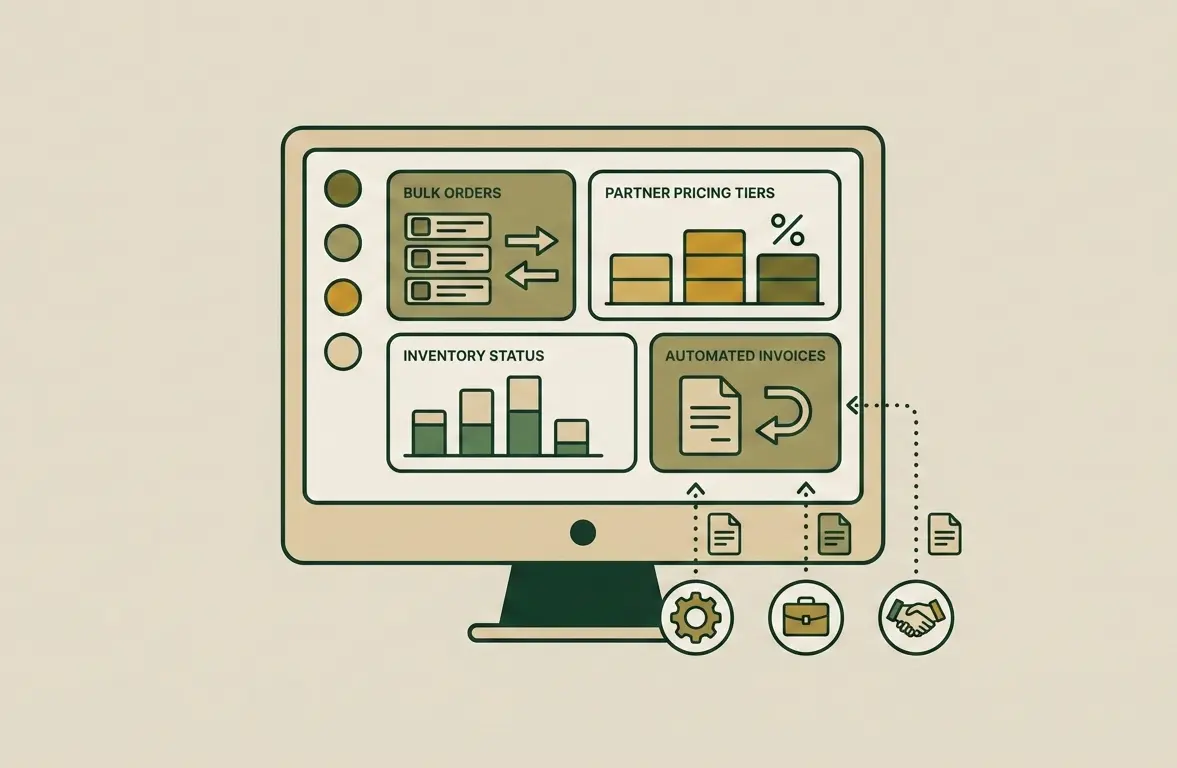
B2B e-commerce is the stage of a company’s maturity when direct business-to-business sales exceed retail in volume. If you still manage wholesale clients through email, Excel spreadsheets, and phone calls, you are not controlling your business potential. Instead, you depend on the human factor. Creating a B2B portal is not an expense for a new […]

If you don’t measure, you don’t manage. An online store owner who makes decisions based on intuition is like a driver with their eyes blindfolded. Today, Google Analytics 4 (GA4) is not just a trendy tool — it is a critically important instrument for the survival and growth of your business. We will show how […]
Custom admin panel for an online store: when standard tools are no longer enough
WordPress and OpenCart are great for getting started. But when a store grows to tens of thousands of orders per month and teams of 10–20 people, the standard admin becomes a bottleneck. Managers get lost in unnecessary menus, make mistakes with parallel spreadsheets and spend minutes where they should spend seconds. A custom admin panel from Kliox is an investment in team productivity that pays off within 1–3 months through reduced order processing time and fewer errors.
When a standard admin is no longer enough
Signs it’s time to order a custom admin: the team keeps parallel Excel spreadsheets because the admin lacks the needed fields; managers have access to sections they don’t need; processing one order takes more than 2 minutes; there are several roles with different tasks but the same interface. Combine it with an analytics dashboard and order processing automation for maximum effect. Book a consultation — we will analyze your processes for free.