
UAH, USD, EUR, PLN — the customer sees the price in their own currency. The exchange rate updates automatically.
// The module displays prices in several currencies at once, with automatic updates from the National Bank of Ukraine or a commercial bank rate — the customer chooses a convenient currency and pays in hryvnias at the current exchange rate

Challenges stores face when working with multiple currencies
Prices are tied to the dollar, but manual updates can't keep up
An electronics or auto parts store keeps prices in dollars and converts them to hryvnias when issuing an invoice. Without automation, either prices become outdated and the store sells below cost, or a manager manually updates thousands of items every day.
Foreign customers don't understand prices in hryvnias
The diaspora, foreigners, or customers from Poland want to see prices in a familiar currency — EUR or PLN. Without a currency switcher, they either convert the amounts themselves or go to a competitor's site where everything is already converted.
B2B contracts in EUR, but invoices issued in UAH
The company agreed on a price in euros, but the invoice must be issued in hryvnias at the exchange rate on the day of payment. Without automation, this means manual calculations and a risk of error in every transaction.
The exchange rate is updated manually once a week and doesn't reflect the market
During exchange rate fluctuations, the store either sells at an unfavorable rate or constantly faces customer dissatisfaction from sharp price jumps. Automatic updates several times a day solve both problems.
What problems this custom module solves
Prices in any currency with the current exchange rate at all times — no manual updates and no errors during fluctuations

// Multi-currency: when and why a store needs it
Multi-currency is not a luxury for large international platforms. For certain categories of Ukrainian stores, it is a practical necessity. If your suppliers invoice in dollars, your customers abroad want to see prices in euros, or your niche is traditionally tied to the exchange rate, then without multi-currency you either constantly update prices manually or take on currency risks without protection.
Rate sources — NBU or a commercial bank
The NBU publishes its official rate once a day, which suits stores that want a stable rate without sharp intraday fluctuations. Commercial banks (PrivatBank, Monobank) update their rates several times a day and are closer to the market rate. The module supports both sources and allows you to add your own markup — for example, +2% over the NBU rate to protect margins during fluctuations.
Locking the rate at the time of order
An important nuance: the exchange rate when a product is added to the cart and when payment is made may differ. The module locks the rate at the moment the checkout begins, and the price does not change until payment within 30–60 minutes. This protects the customer from an unexpected price change and protects the store from being obligated to sell at a rate that is no longer current.
Who needs multi-currency
- Electronics, auto parts, computer equipment — prices are traditionally tied to the dollar
- Stores with a diaspora or Polish audience — customers want to see EUR or PLN
- B2B stores with international clients — contracts and invoices in foreign currency
- Wholesale stores — purchase prices in dollars, retail in hryvnias with automatic recalculation
We determine which currencies are needed, which rate source is optimal, whether a markup on the rate is needed, and how to display prices — with automatic conversion or fixed price lists by currency.
We connect the API of the NBU or a commercial bank for automatic rate updates. We configure rate caching and a fallback to the last known rate if the API is unavailable.
We add a currency switcher to the site header. The customer's choice is saved in cookies, so on the next visit they see prices in their own currency without selecting it again.
We adapt the cart and order form for multi-currency. We implement rate locking at the time of order. We adapt PDF invoices and email notifications.
We test conversion for each currency, the accuracy of rate locking, and display in documents. We check edge cases: rate fluctuations at the time of checkout and rate updates during active sessions.
We launch to production and configure the exchange rate update schedule. We set up Telegram notifications for the owner about significant rate fluctuations.

Situation
A wholesale auto parts store purchased goods in EUR and USD and maintained a price list in these currencies. Retail customers on the site saw only hryvnia prices, which the manager updated once a week. B2B clients (auto service centers and stores) wanted to see prices in EUR to easily compare them with foreign suppliers. Each month, the manager spent 2 days manually updating 3,500 items when the exchange rate changed. During sharp hryvnia fluctuations, the site sometimes displayed prices below cost until the next update.
Solution
We implemented multi-currency with three currencies: UAH (retail), EUR (wholesale for B2B clients), and USD (internal price list for buyers). The exchange rate updates automatically 4 times a day from the NBU API with a +1.5% markup to protect margins. After authorization, B2B clients see prices in EUR, while retail customers see them in UAH. During a significant rate change (more than 2% in a day), the owner received a Telegram notification.
Result
The 2 days of manual monthly price list updates were completely eliminated. There were no instances of selling below cost due to an outdated rate. B2B clients positively received the display of prices in EUR — it became easier to compare and plan purchases. The number of B2B orders through the site grew by 40% within the first 3 months after implementing multi-currency. A number of large service centers that previously ordered only by phone switched to placing orders independently through the site.
RELATED SERVICES
Yes. The module supports several strategies: the NBU rate, a commercial bank rate, or your own fixed rate. You can add a percentage markup to any source — for example, NBU +2% — to protect margins during fluctuations.
It is configured individually: from once an hour to several times a day. The NBU publishes its official rate once a day. Commercial banks update several times. We recommend updates 3–4 times a day for most stores.
No. The rate is locked when the checkout begins and remains unchanged for 30–60 minutes (configurable). If the customer does not complete the order within this time, the rate is recalculated to the current one upon their return.
Yes. Invoices, delivery notes, and order confirmations display prices in the currency selected by the customer. For B2B clients, there is an option to generate invoices in a foreign currency with an equivalent in hryvnias at the rate for the date.
No. Payment is always made in hryvnias in accordance with the legislation of Ukraine. Foreign currency is used only to display prices. The amount due is automatically converted to hryvnias at the current rate.

Imagine that your online store is already growing. Orders are coming in steadily and in large volumes, and you can no longer manage inventory storage, pack each parcel, and run to the post office yourself. Managers spend hours on logistics instead of sales. If you constantly think, “Where can I get more warehouse space?”, it’s […]
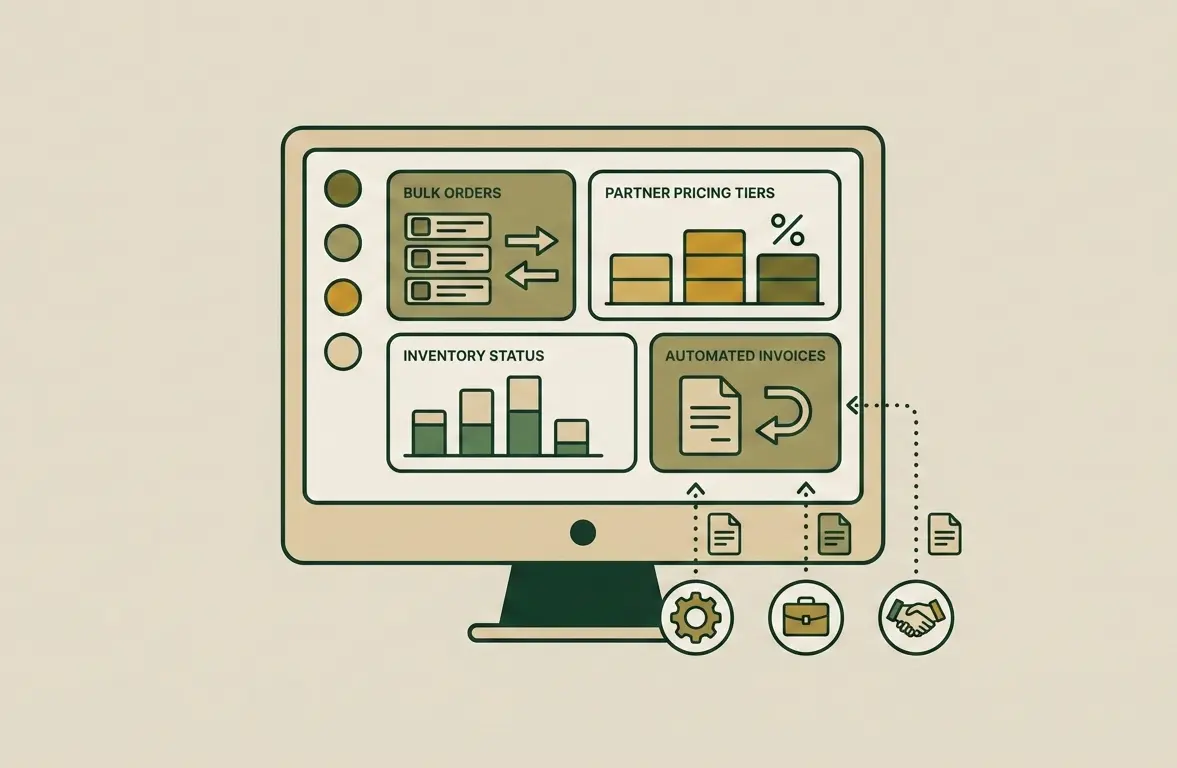
B2B e-commerce is the stage of a company’s maturity when direct business-to-business sales exceed retail in volume. If you still manage wholesale clients through email, Excel spreadsheets, and phone calls, you are not controlling your business potential. Instead, you depend on the human factor. Creating a B2B portal is not an expense for a new […]
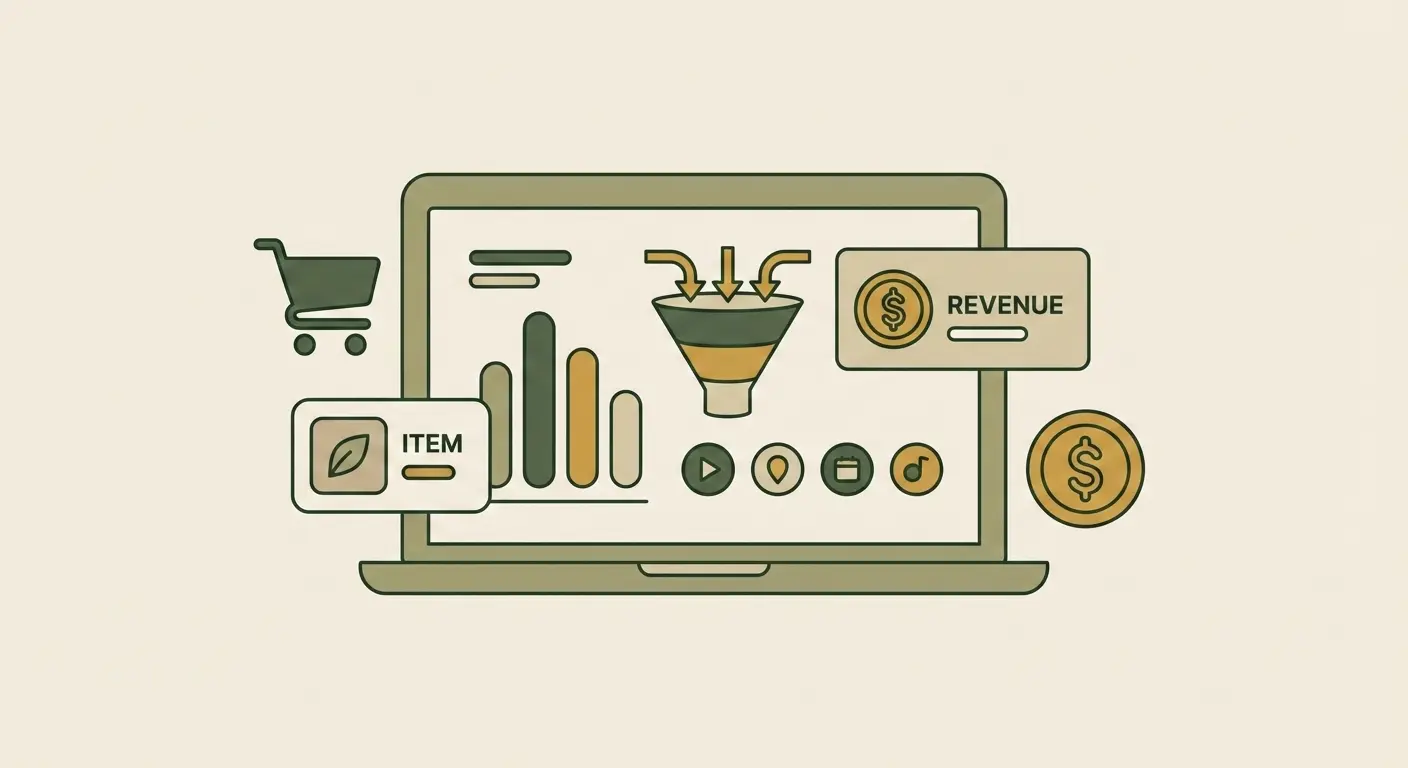
If you don’t measure, you don’t manage. An online store owner who makes decisions based on intuition is like a driver with their eyes blindfolded. Today, Google Analytics 4 (GA4) is not just a trendy tool — it is a critically important instrument for the survival and growth of your business. We will show how […]
Multi-currency for an online store: automatic exchange rate and prices in a convenient currency
For stores where prices are traditionally tied to the dollar or euro, multi-currency is not an option but a necessity. Manually updating thousands of prices with every exchange rate fluctuation takes days of work and still leaves lag. The Kliox multi-currency module automatically updates all prices in real time without any action from the manager. Combine it with a multilingual store for full international sales and B2B functionality for corporate clients. Book a consultation.