

Plan:
According to BrightLocal, 9 out of 10 buyers read customer reviews before making a purchase. Moreover, 76% trust online reviews as much as personal recommendations from friends.This means reviews are your best sales department. They work 24/7, don’t ask for a salary, and are trusted more than any advertising.Building trust through social proof is not magic but systematic work. Simply waiting for customers to come and write detailed reviews on their own is a losing strategy.In this article, we will break down three practical ways to collect reviews systematically, how to use them correctly on your website to increase conversion, and how to turn even negative feedback to your advantage.Method #1:
Method #3:
Method #1: 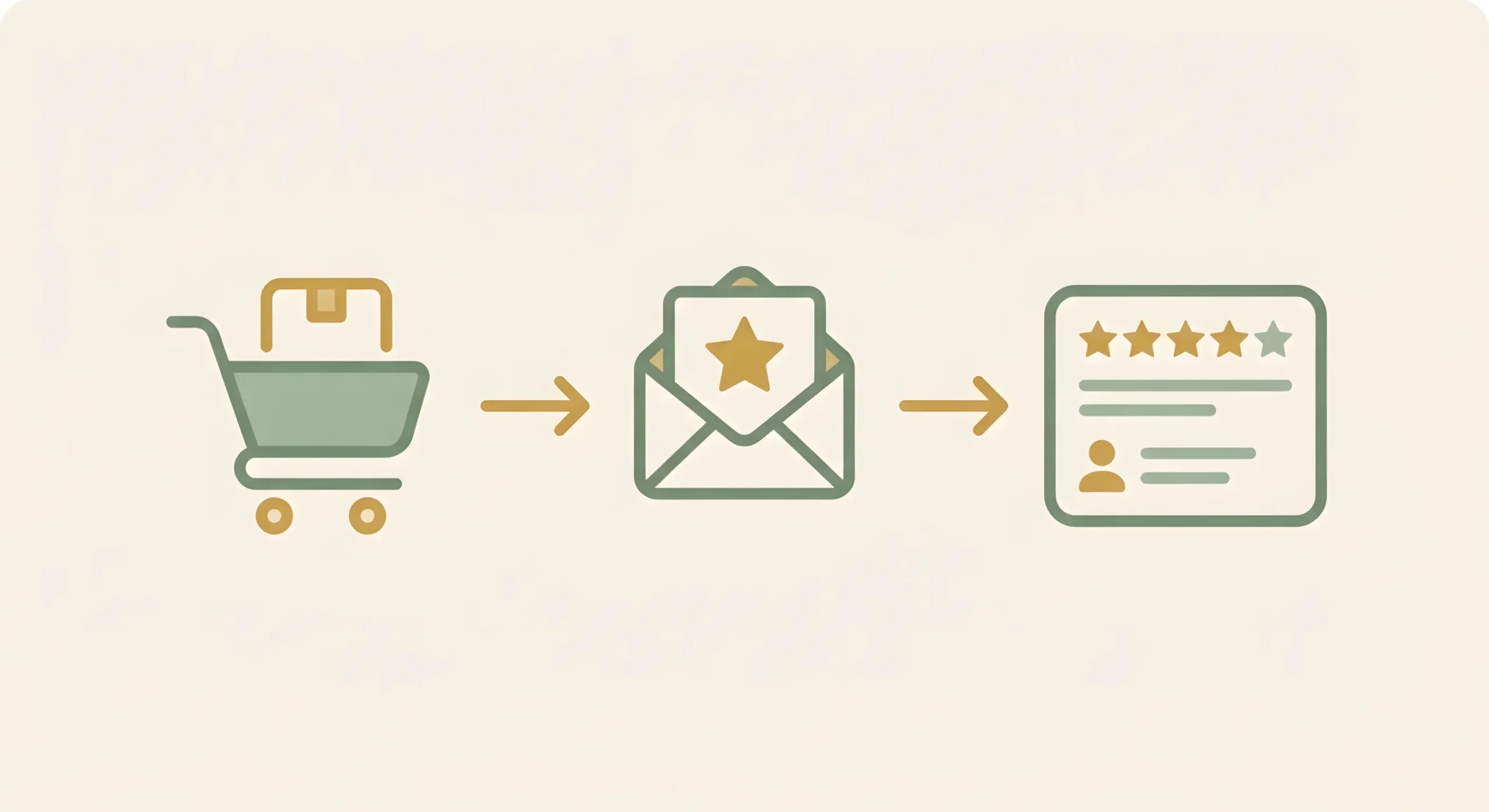
This is the simplest and most effective way to put review collection on autopilot. The idea is to automatically send the customer an email asking for a review some time after they have received their order.
Why does it work?
You catch the customer when their emotions from the purchase are still fresh and the product is already in their hands. The probability of getting a detailed and emotional review during this period is the highest.How to set it up?
Most e-commerce platforms (Shopify, OpenCart) and email marketing services (Mailchimp, eSputnik) have built-in tools for creating such triggered campaigns. You only need to set up the sequence once.When to send?
The optimal time is 3–7 days after product delivery. This is enough time for the customer to receive and try it.Pro tip
Never ask just to leave a review. Offer a small but pleasant incentive: Leave a review and get a -10% promo code for your next purchase. This will increase the number of reviews by 2–3 times and, as a bonus, stimulate repeat sales.Method #2: Google My Business reviews — your face in local search
Google My Business (or Google Business Profile) is your free business card in the Google ecosystem. Reviews left there are extremely important, especially if you have a physical location (store, showroom) or target customers in your city.Why is it important?
Local SEO
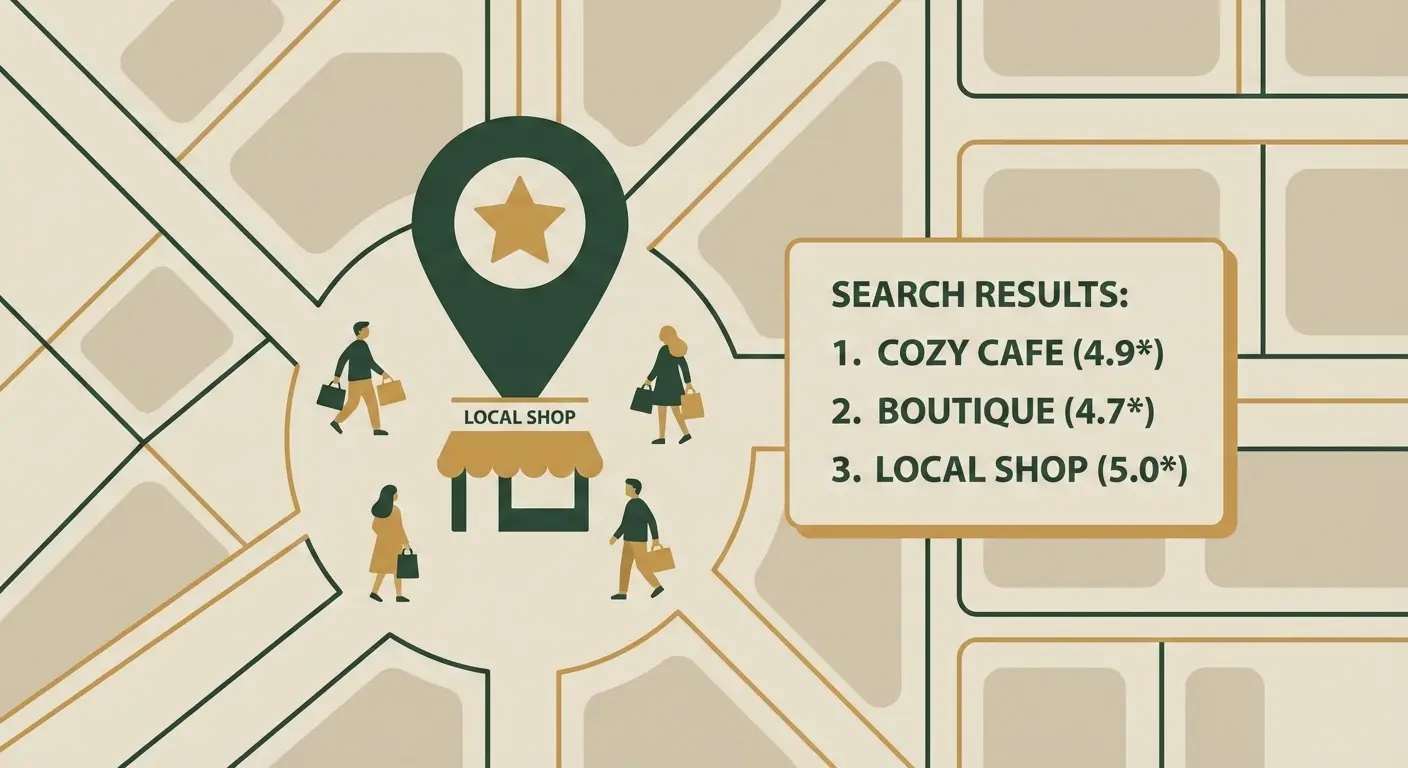
A high rating and a large number of reviews directly affect your positions in Google Maps and local search results. When a user searches, for example, for “furniture store” in your city, Google is more likely to show you if you have a high rating.Trust at first touch
This is the first thing a customer sees when they google your brand name. A high rating (4.5+ stars) instantly forms a positive first impression.How to get them? Don’t wait for customers to find you themselves. Ask actively, as we recommend below.
Pro tip
In your Google My Business dashboard, generate a direct, short link to the review form. Send it via messenger after successfully closing an order or add a QR code with this link to your business card or packaging. Try to minimize the number of steps—fewer steps mean higher review conversion.Method #3: 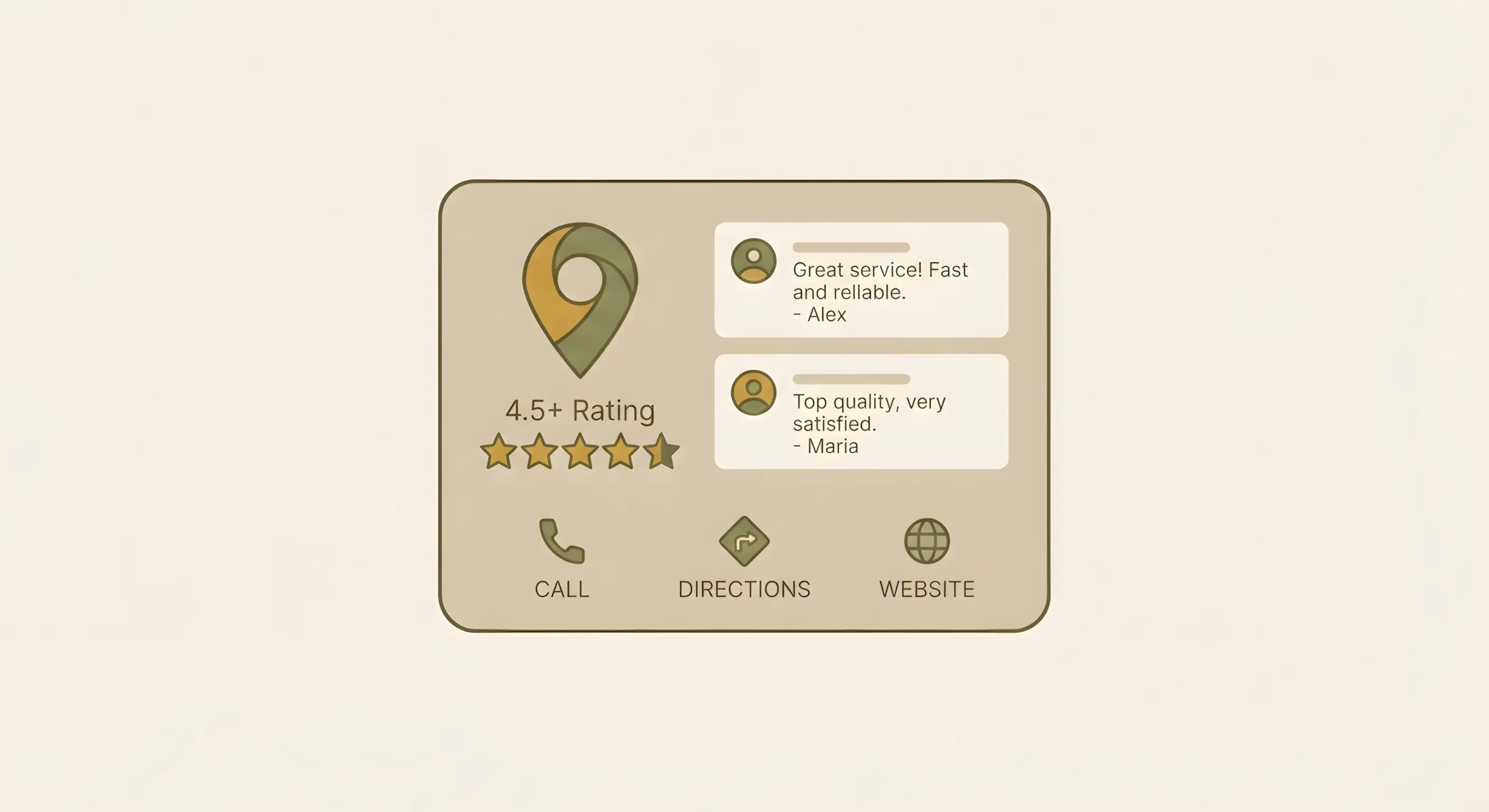
Reviews on Instagram or TikTok are often much more valuable than text on a website. When a customer, on their own initiative, records an unboxing of your product in Stories and tags your account, this is the highest level of social proof.
Why does it work?
Such content (User-Generated Content, UGC) is максимально native and authentic. It is trusted 100% because it’s not you praising yourself, but a real person sharing sincere emotions with friends.How to motivate?
- Create a branded hashtag (e.g., #my_look_from_brandname) and encourage customers to use it.
- Regularly repost mentions to your Stories. This shows you value your customers and motivates others to do the same.
- Run contests. The best video review of the month gets a 1000 UAH certificate. This is a great way to get dozens of quality reviews on a small budget.
Pro tip
Take screenshots of the best Stories reviews and save them to a separate pinned Highlight titled “Reviews” on your profile. This will be your hall of fame that every new visitor will see.How to properly use reviews on your website for maximum conversion
Collecting reviews is only half the job. Now they need to be placed correctly on the site so they work on building trust at every stage of the customer journey.On the homepage
Place a small but noticeable block with 3–4 of the best, most emotional reviews. It can be a slider or a static block. Its goal is to convince a new visitor from the first seconds that you can be trusted.On the product page
This is the most important place. Reviews should be directly under the product description. Be sure to add a rating system (stars). Allowing customers to add their own product photos is a superpower that increases conversion many times over.Create a separate “Reviews” page.
This is your central trust hub. Collect all reviews there: text reviews from the site, screenshots from social networks, video reviews. Add a link to this page in the site header and footer.Working with negativity — turn a crisis into an opportunity
The first reaction to a negative review is to delete it and forget it. This is the biggest mistake you can make. One or two constructive negative reviews among hundreds of positive ones only increase overall trust. A perfectly clean page looks suspicious.Why shouldn’t you delete it?
Your public, professional response to negativity is a chance to show hundreds of potential customers that you don’t abandon buyers and know how to solve problems. This is far more valuable than another five-star review.How to respond correctly (A.P.P. formula):- Acknowledge — thank them for the feedback and apologize for the negative experience. (Thank you for letting us know. We are very sorry this situation occurred...).
- Propose — publicly propose a way to resolve the issue. (Our manager is already contacting you to replace the product / issue a refund...).
- Private — suggest continuing the discussion in private messages. (...to clarify details, we’ve messaged you privately).
Share your thoughts on this article. Your rating will help make the materials even more useful.