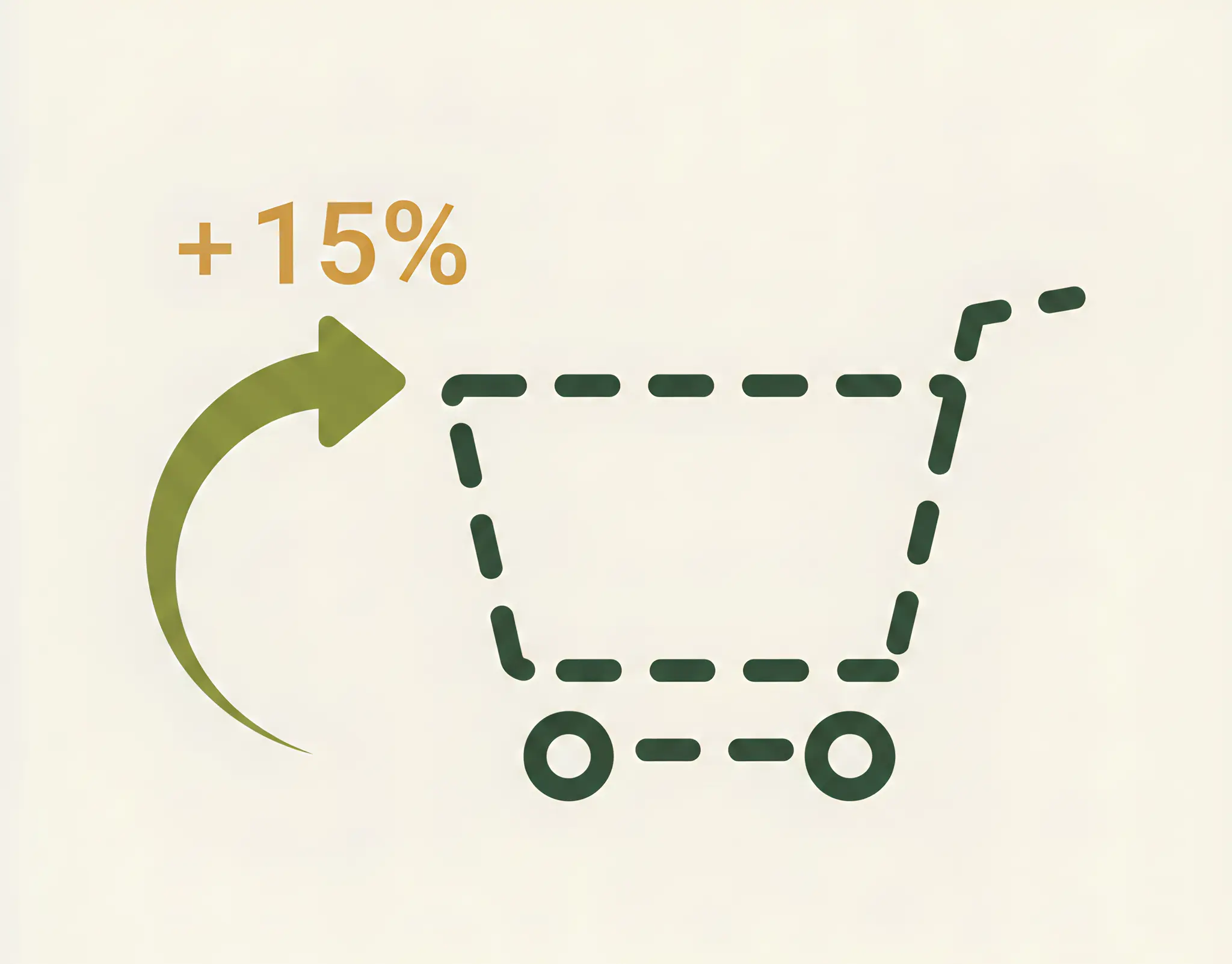
Baymard Institute statistics are relentless: almost 70% of visitors to your online store leave the site after already adding a product to the cart. This means your advertising money worked, the product appealed to them, the customer was one step away from purchasing… but something went wrong. Each such abandoned cart is not just a loss—it is a huge opportunity.
It’s like a fish that slipped off the hook right next to the boat. A non-professional will simply cast the line again (that is, buy new ads to attract a new customer). An expert, however, will have a landing net ready to bring back this very fish that was almost caught.
This “landing net” is an automated system based on two pillars: email marketing and retargeting. Let’s break down how to bring the customer back and turn these “escapees” into real money.
Strategy #1: Automated abandoned cart email sequence
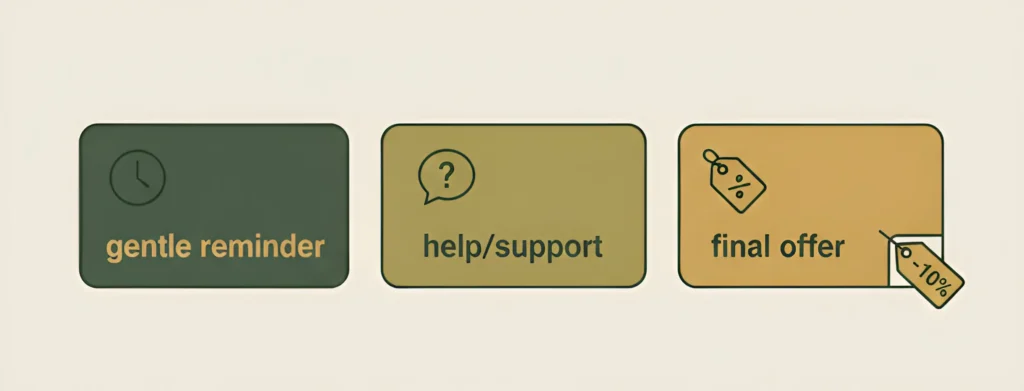
This is the simplest, cheapest, and most effective way to bring customers back. We are talking about triggered emails—emails that are sent automatically in response to a user action (in our case, abandoning the cart). A properly configured email sequence can recover up to 15–20% of customers.
Email #1: Gentle reminder
When to send?
1 hour after the cart is abandoned.
Why does it work (psychology)?
The most common reason is simple distraction (a phone call, a child, a manager walking in). The customer hasn’t changed their mind—they just forgot. This email is a polite and timely reminder.
What to write?
No pressure. Subject: Did you forget something? or Your items are waiting for you. In the email—product images from the cart, a prominent Return to checkout button, and possibly a link to contact details.
Important! No discounts at this stage.
Email #2: Offer of help
When to send?
After 24 hours.
Why does it work (psychology)?
If the first reminder didn’t work, the customer may have doubts or technical issues (delivery terms unclear, payment failed). This email shows care and willingness to help.
What to write?
Switch to a more caring tone. Subject: Having trouble with your order? or Can we help you? In the text, offer assistance: If you have any questions about the product or payment, we’re always here. Provide a phone number and a chat link.
Email #3: Final argument (discount)
When to send?
After 2–3 days.
Why does it work (psychology)?
This email targets those hesitating because of price. A promo code or small discount is the final push that can convince them to complete the purchase.
What to write?
Be direct and create urgency. Subject: 10% discount on your unfinished order or Free shipping just for you. Include a promo code and clearly state that it is valid for a limited time (e.g., 48 hours). This encourages immediate action.
Strategy #2: Retargeting on Facebook and Instagram
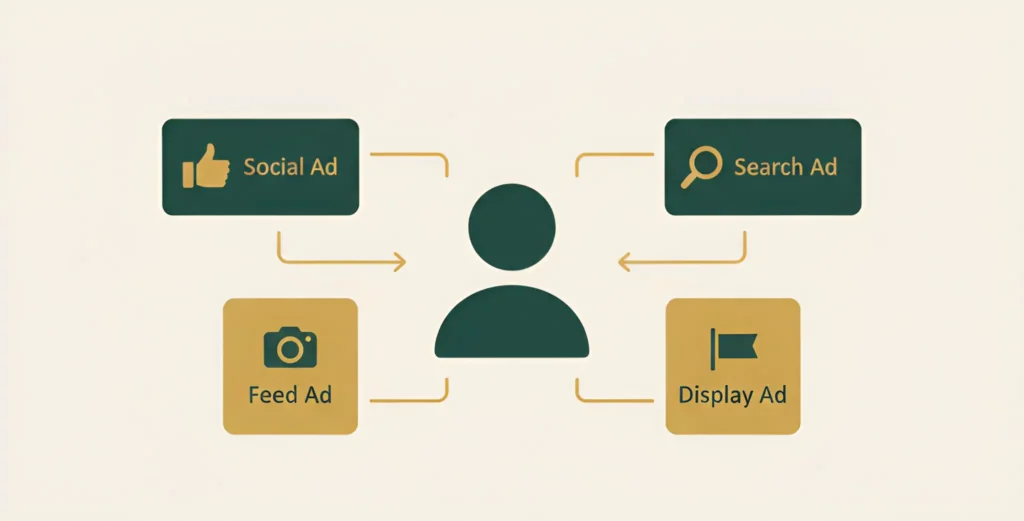
If a customer didn’t leave their email (made a guest checkout), you can’t email them. This is where retargeting comes into play—a technology that allows you to follow users who visited your site with ads on social networks.
We are not talking about regular ads, but dynamic retargeting. This means Facebook automatically creates a personalized ad for each user, showing them the exact products they added to their cart.
Why does it work?
This is the highest level of personalization in advertising. You’re not just reminding users about your brand—you’re showing them what they already wanted to buy. Such ads feel helpful rather than intrusive and convert many times better than generic ones.
Strategy #3: Remarketing in Google Ads
This is a similar technology within the Google ecosystem. Google Ads remarketing allows you to show your ads to users who abandoned their cart across millions of Google partner sites (banner ads on news sites, blogs), on YouTube, and even in search results.
Dynamic remarketing in the Display Network
Works the same way as on Facebook. A user reads the news and sees a banner on the side with the same dress or sneakers they added to their cart yesterday.
Search remarketing (RLSA)
This is a more advanced tool. For example, you can show your ads in higher positions or with higher bids to users who have already visited your site if they search for a similar product again on Google.
Combining all three strategies (email, Facebook, Google) creates a powerful omnichannel system that maximizes the chances of bringing the customer back at every stage of their online journey.
How we set this up: the magic of Pixel and GA4
For this entire system to work, a reliable technical foundation is required. It’s not just about ticking a checkbox in an ad account. It requires flawless analytics setup on your website.
Facebook Pixel setup
We install Facebook Pixel on the site and configure tracking of key events: ViewContent (product view), AddToCart (add to cart), InitiateCheckout (start checkout), and Purchase (purchase). This allows Facebook to clearly understand at which stage the customer dropped off and to show relevant ads.
Google Analytics 4 and Google Ads setup
We configure e-commerce event tracking in GA4, link Google Analytics and Google Ads accounts, and create the necessary remarketing audiences (e.g., Users who added a product to the cart but didn’t purchase in the last 7 days).
Product catalog (feed) creation
We generate and configure a product feed—a file containing all information about your products (names, prices, images, links)—and upload it to Facebook Commerce Manager and Google Merchant Center. Advertising systems use this file to create dynamic ads.
Only with correct configuration of all these elements will the customer recovery system work like clockwork, automatically generating additional revenue for you.
Why Kliox is an expert in setting up these systems
Setting up an effective system for working with abandoned carts lies at the intersection of three disciplines: marketing, web development, and analytics.
- A marketer develops the strategy and writes email copy.
- A developer correctly installs and configures Pixel code and GA4 events on the site.
- An analyst builds the right audiences and verifies that data is collected correctly.
In most companies, these specialists work in different teams (or are fully outsourced), which leads to errors and breakdowns. At Kliox, all these competencies are within one team.
Our developers, marketers, and analysts work together, ensuring seamless and correct integration of all customer recovery tools. We build not isolated elements, but a single profitable system.
Conclusion — stop losing hot customers
Abandoned carts are not a problem, but the cheapest source of additional revenue for your online store. You have already paid to acquire these customers. All that’s left is to systematically and automatically remind them about you. Properly configured email marketing and retargeting are not expenses, but one of the most profitable investments in your e-commerce business.
Ready to turn abandoned carts into real money?
Request a free consultation, and our specialist will analyze your website and propose a personalized customer recovery strategy. We’ll explain which tools (email or retargeting) will be most effective for your niche and estimate the potential increase in your sales.